
Running low on air? This guide shows how to craft a Train Oxygen Tank, place it on your railcar, breathe from it with the E key, and check how much oxygen remains.
Quick Explanation
Open the crafting menu when prompted and craft a Train Oxygen Tank. Place it on an empty spot on the train floor or platform. Face the tank and hold E to breathe. Inspect the tank to see its Oxygen Remaining readout, and use the E prompt on its tooltip to interact further or pick it up.
Requirements
- Open the crafting menu and craft a Train Oxygen Tank (quest shown).
- Have an empty spot on the train floor to place the Train Oxygen Tank.
- Be able to interact using the E key (used to breathe from the tank).
Step-by-Step Instructions
Step 1: Open the crafting menu
Follow the on-screen quest prompt "Open the crafting menu and craft a Train Oxygen Tank (0/1)" and open the crafting menu. You should see the crafting interface so you can select the Train Oxygen Tank recipe.
Step 2: Craft a Train Oxygen Tank
In the crafting menu, choose the Train Oxygen Tank and craft it. The quest tracks this action as 0/1 during the task.
Step 3: Place the Train Oxygen Tank on the train floor or platform
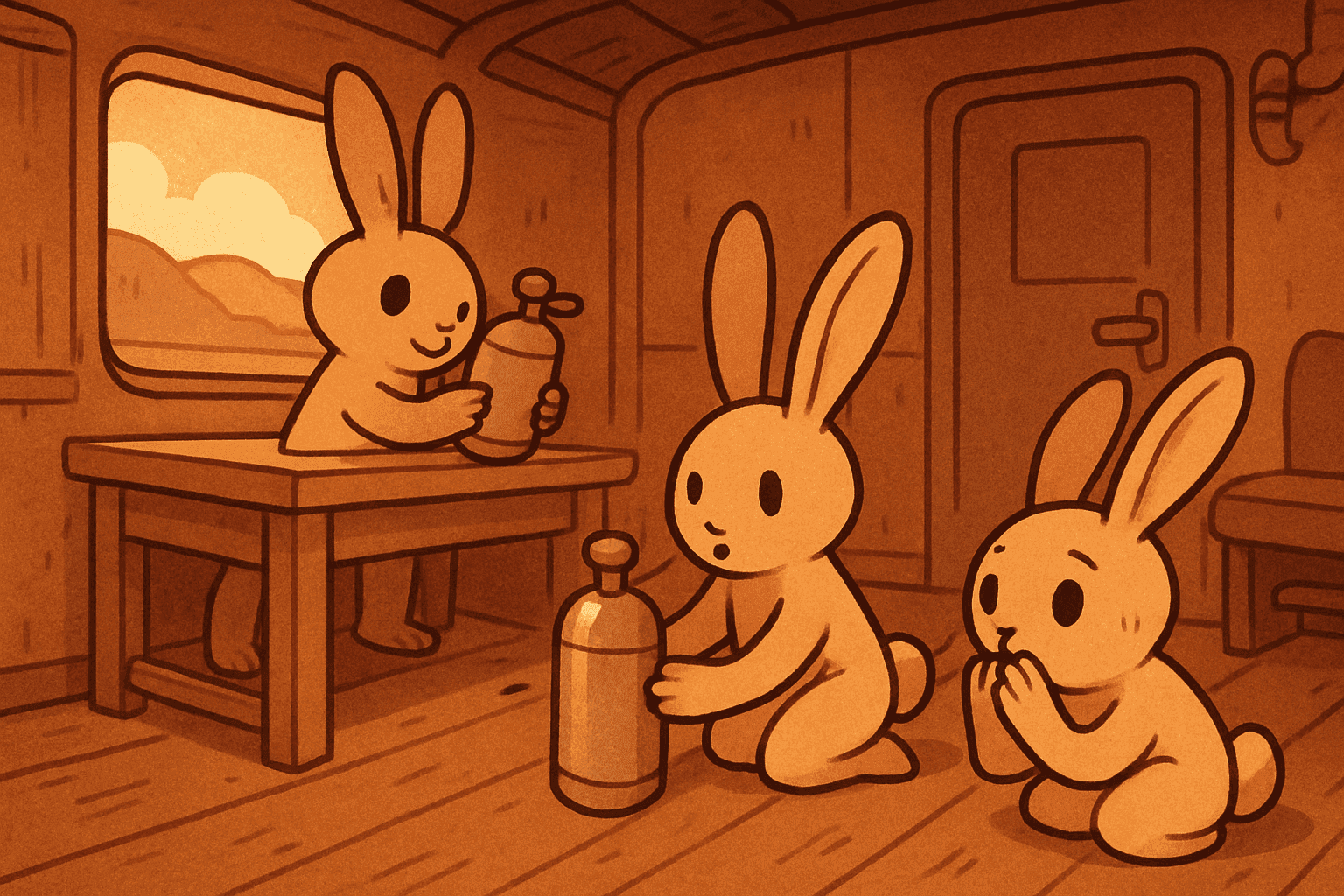
Select the crafted tank and place it on an empty spot on the train floor or platform so it sits on the railcar. You will see the tank placed on the car, ready to use.
Step 4: Look at the placed tank and hold E to breathe
Face the Train Oxygen Tank, then hold the E key while looking at it to breathe oxygen. The in-game prompt indicates you must hold to breathe, and your character will breathe from the tank while held.
Step 5: Inspect the tank to check Oxygen Remaining
Inspect or interact with the tank to view its gauge and numeric value labeled "Oxygen Remaining" (for example, "193 / 200"). This shows how much air is left.
Step 6: Use the E prompt on the tooltip to pick up or interact further
Look at the tank's tooltip: it shows an E prompt next to the Oxygen Remaining readout (for example, "98 / 100 E"). Press E here to interact beyond breathing, such as picking it up.
Common Mistakes
Tapping E instead of holding it while looking at the tank.
Face the Train Oxygen Tank and hold E to breathe; tapping may not work.
Assuming the tank has infinite oxygen.
Inspect the tank and check its "Oxygen Remaining" value to plan your usage.
Trying to use a tank without placing it on the train platform.
Place the tank on an empty spot on the train floor or platform first, then interact with it.
Additional Tips
- The E key is used both to breathe from the tank and to interact with it when the tooltip shows an E prompt.
- Storage crates can contain oxygen tanks and will show an "Oxygen Remaining" value when inspected, so you can check them before using.
- The Train Oxygen Tank item is labeled "O2" and displays an oxygen-remaining UI when inspected.
Summary
You crafted a Train Oxygen Tank, placed it on the railcar, and breathed from it by holding E while looking at it. Watch the Oxygen Remaining readout so you know when to switch or pick it up using the E prompt on the tooltip.