
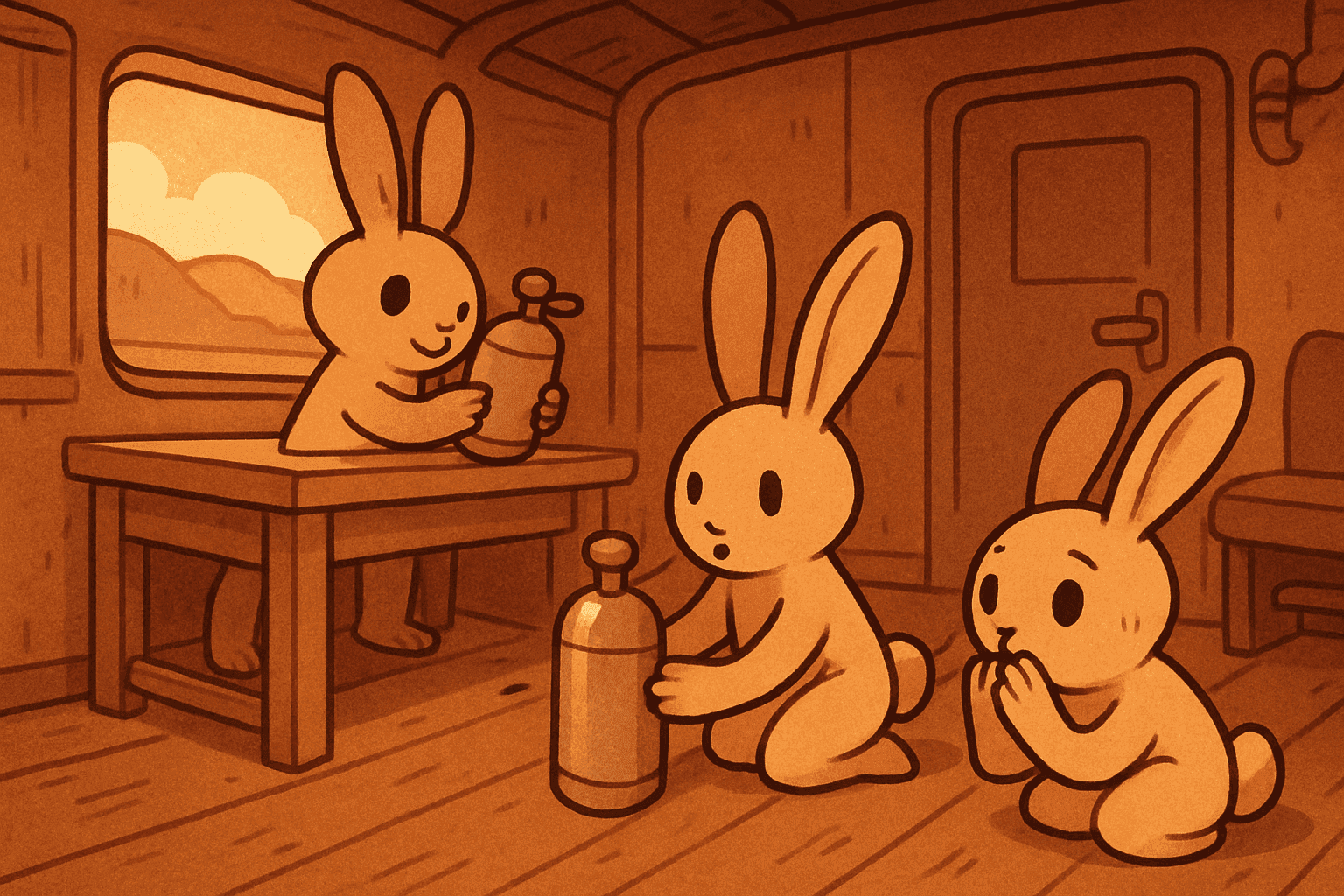
Running low on air? This guide shows how to craft a Train Oxygen Tank, place it on your railcar, breathe from it with the E key, and check how much oxygen remains.
Quick Explanation
Open the crafting menu when prompted and craft a Train Oxygen Tank. Place it on an empty spot on the train floor or platform. Face the tank and hold E to breathe. Inspect the tank to see its Oxygen Remaining readout, and use the E prompt on its tooltip to interact further or pick it up.
Requirements
- Open the crafting menu and craft a Train Oxygen Tank (quest shown).
- Have an empty spot on the train floor to place the Train Oxygen Tank.
- Be able to interact using the E key (used to breathe from the tank).